
Problem

When I click Billing I receive a message that says “No Permissionâ€. Or I thought there was a Billing section within a Case.
Solution
If you’re experiencing these issues then you do not have the Billing for your User. You must be an Owner or Admin to give the Billing role.
Go to Staff (in the dropdown under your name).
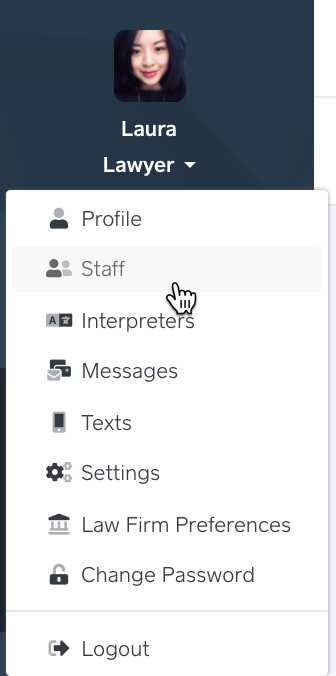
Put your cursor over the row of the staff member you would like to give the Billing role to.
In the Actions sections (all the way to the right), click Edit.
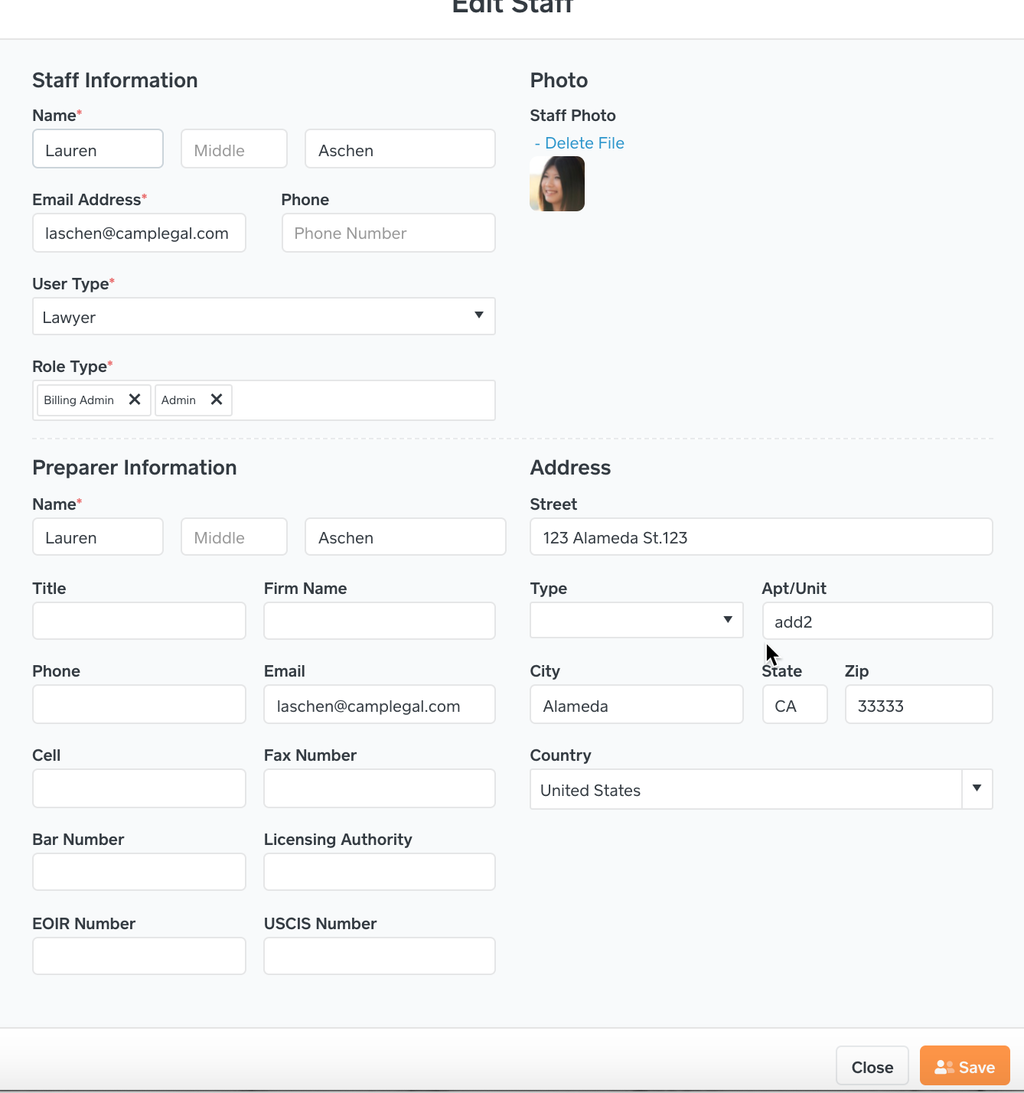
Click into the Role Type and select Billing.
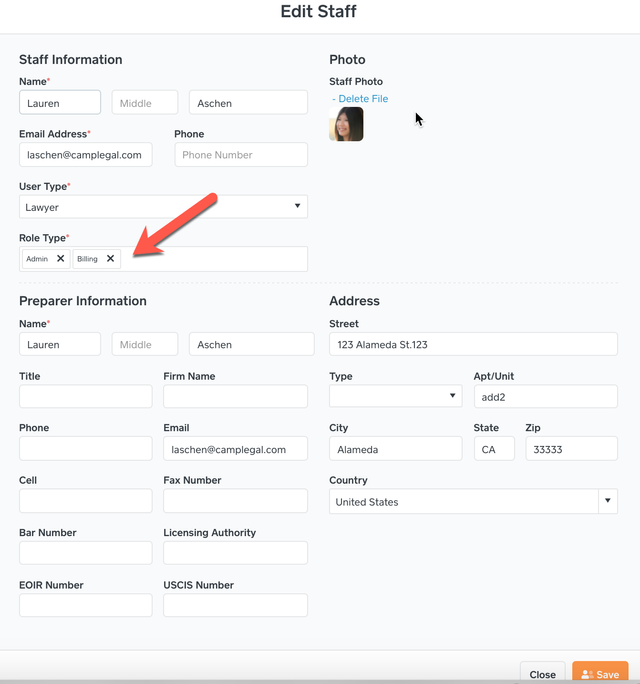
A staff member has to be an Owner, Admin or User with Billing so they will be able to login. The staff member will have two roles one being Billing.

With the Billing role, a staff member will be able to see the Billing tab within a case.
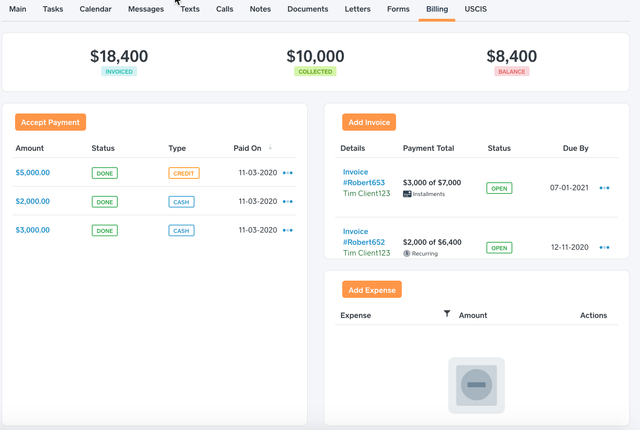
Billing is best used with LawPay and QuickBooks Online.