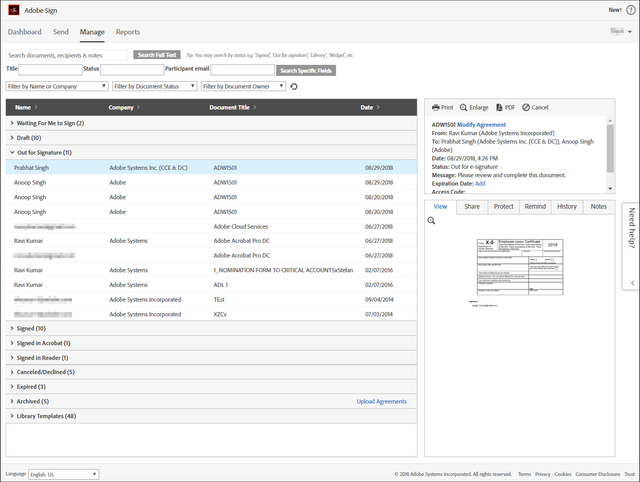
Available in Acrobat DC Pro - You can track which PDFs are out for signature, signed, or waiting for your signature.
Instructions
INDIVIDUAL AND TEAM USERS:
Go to Home > Sign > All Agreements. All the documents shared for signature are listed.
ENTERPRISE USERS:
In the Home > Sign > All Agreements, click Open Adobe Sign.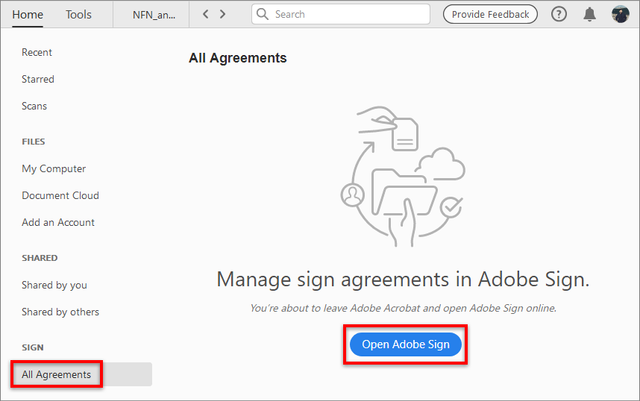
The Adobe Sign Manage page is displayed in a new browser window.