
Problem
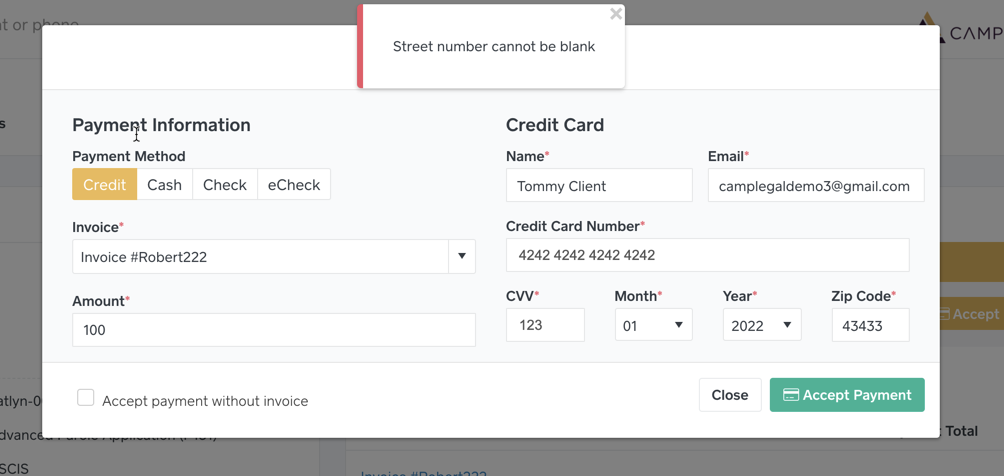
When accepting a credit card payment, the message “Street Number Cannot Be Blank†appears.

When accepting a credit card payment, CampLegal does not require an address. You know your client, there’s no need to input extra information. We do not use the owner of the Invoice because the person’s credit card making the payment could be different. You will need to contact LawPay.
Solution
The issue is resolved by removing the restrictions within LawPay.
Go to LawPay.com
Login into LawyPay.com with an admin user.
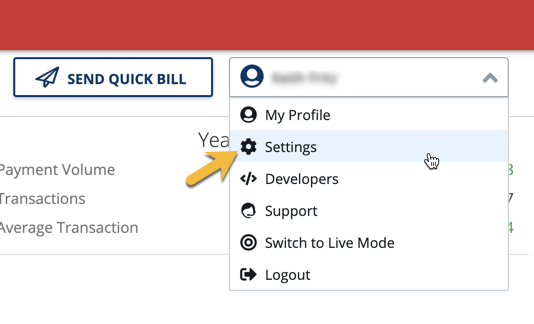
Click the top-right button with your user name then select Settings.
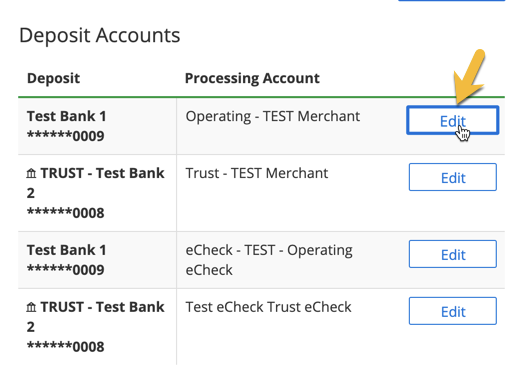
Click Edit for your Operating Account.
Change your AVS Verification to Postal Code Match - Strict and uncheck Address 1. If this option is blocked for you, please contact LawPay to remove Street Address as an option.
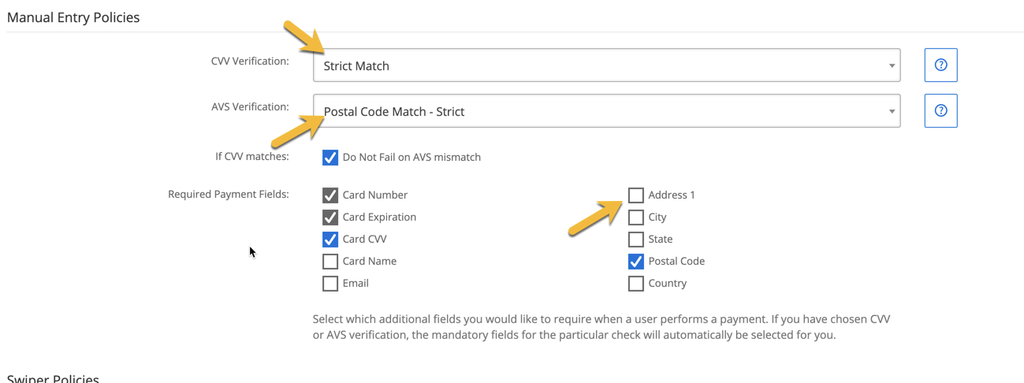 If this option is blocked for you, please contact LawPay to remove Street Address as an option.
Scroll to the bottom and click the Save Changes button.
Try to accept the payment again.