
CampLegal is integrated with QuickBooks Online that allows the system to create Customers and Invoices and apply Payments to the Invoices in QuickBooks.
-
Create a QuickBooks Online account (if the firm does not already have one).
-
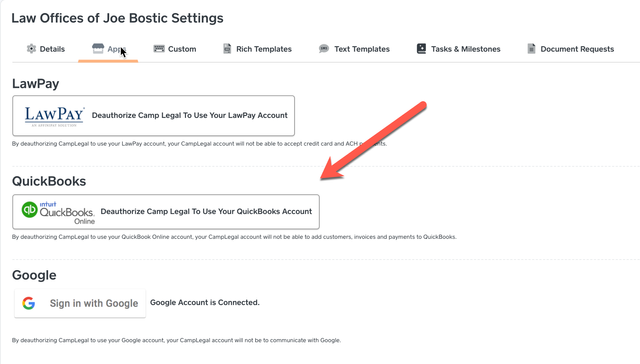
In CampLegal, go to Settings->Apps->Click the QuickBooks Authorize Button. Settings is in the dropdown under the User's name (top left-hand corner of the screen).
-
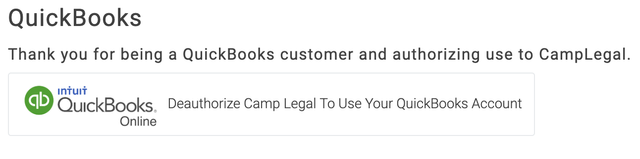
Follow the on-screen instructions to authorize CampLegal to your QuickBooks account. You will be redirected back to CampLegal and the QuickBooks section will look like this.
-
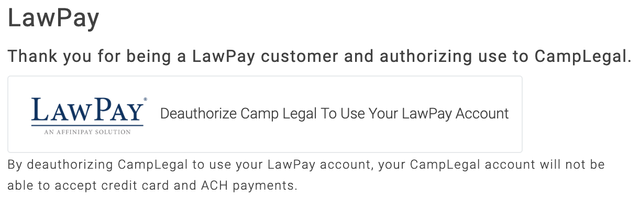
To process payments you will need to authorize CampLegal with your LawPay account. The LawPay section will look like this.
-
You're all set to allow CampLegal to communicate with LawPay and QuickBooks Online. You should never have to log into LawPay or QuickBooks for your daily operations.