
Intake forms are essential for gathering crucial information from clients before consultations or casework. Our platform makes sending intake forms a breeze!
This article will guide you through the process of sending intake templates to your clients with just a few clicks.
 Instructions
Go into your client’s profile
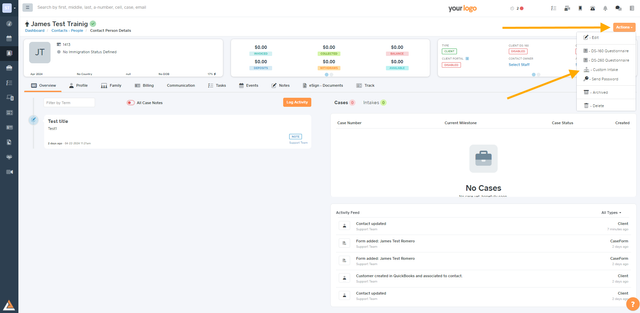
Go on “Actions†> “Custom intakesâ€
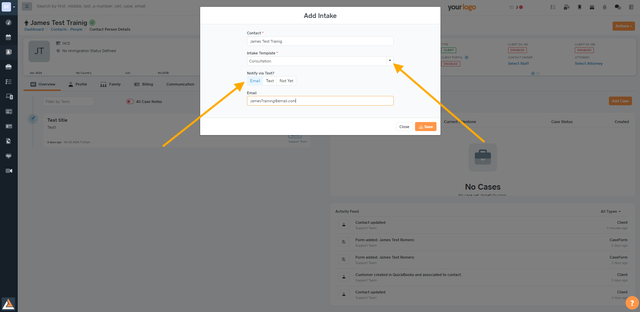
Select the Intake Template you want to send and then select how you want to send it to your client (email or phone)
And, as soon as your client completes the intake, you will receive an email notification to review it.

Our intake forms can be sent to phone numbers outside the US! Simply include the international dialing code before your client's phone number when entering their contact information.
