

Did you know you can install our Outlook Add-In as easily as it is copying and pasting a Link? We can show you how.
 Prerequisites
You must be signed in to Office 365 with a valid account.
Make sure you have the New Outlook version installed if using the App Version.
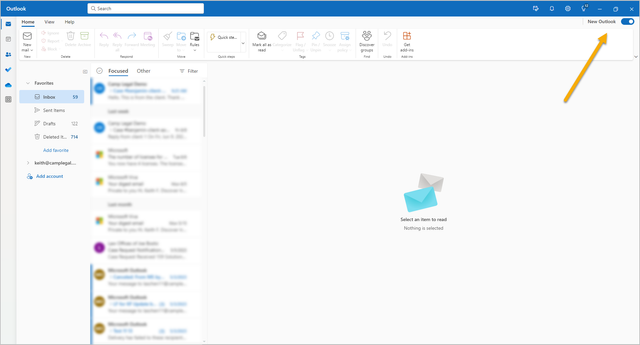
 Instructions
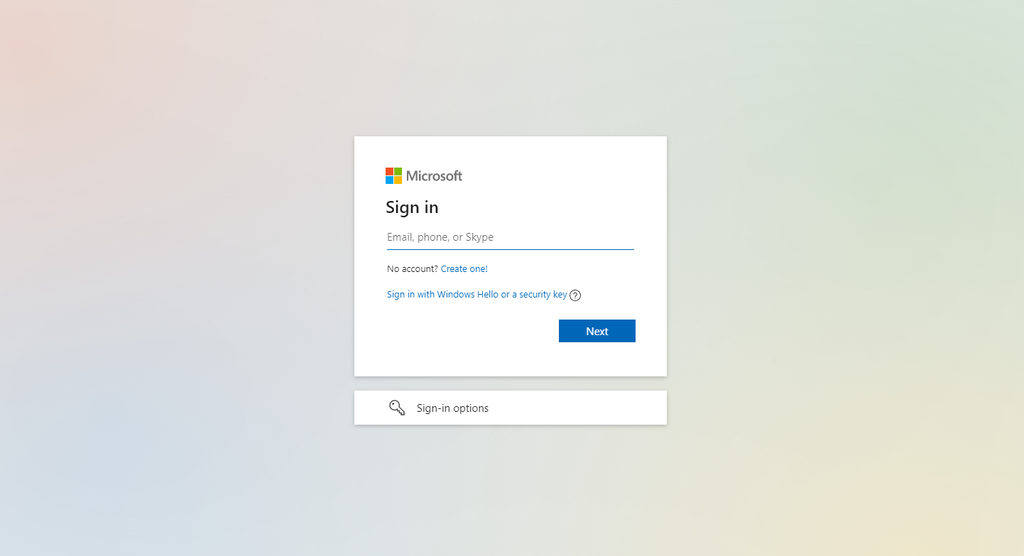
Log in with your Microsoft 365 Account
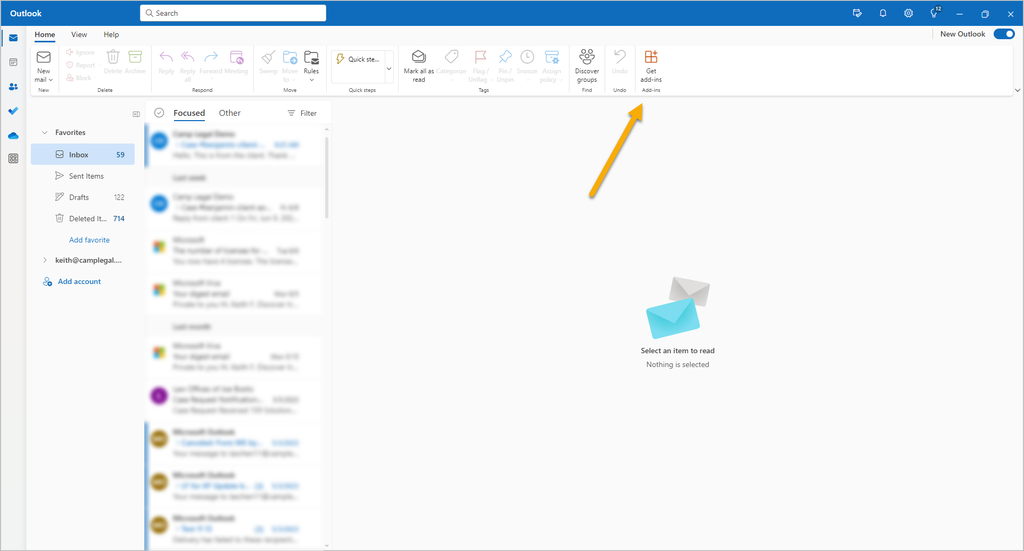
Click on Get Add-Ins
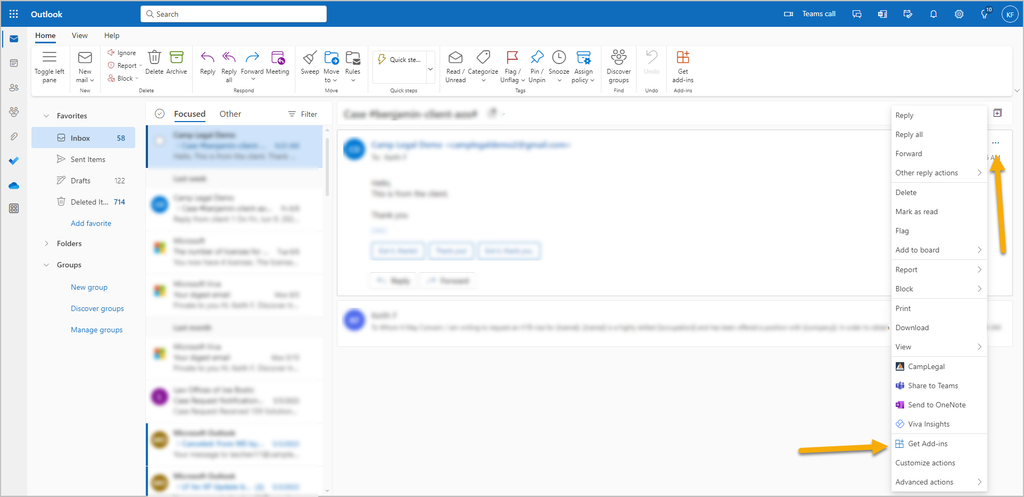
If you don’t see that icon, you can go to a random email, select the 3 dots and click on Get Add-ins
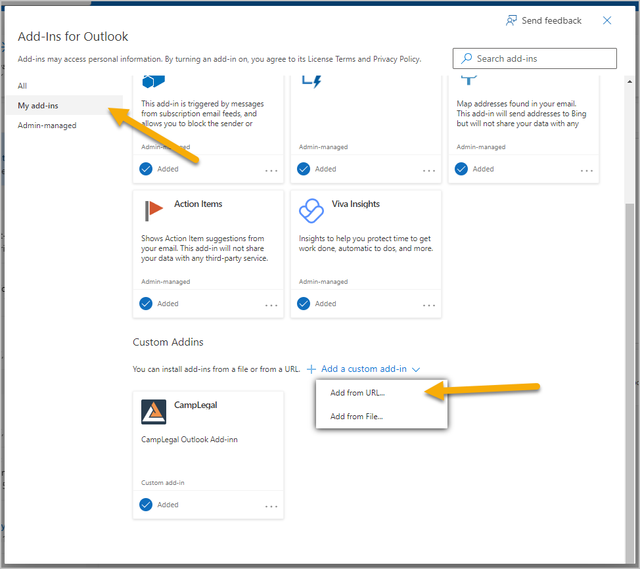
Click on my Add-Ins, go to Add a custom Add-In and select Add from the URL
Copy our Outlook Add-In URL
-
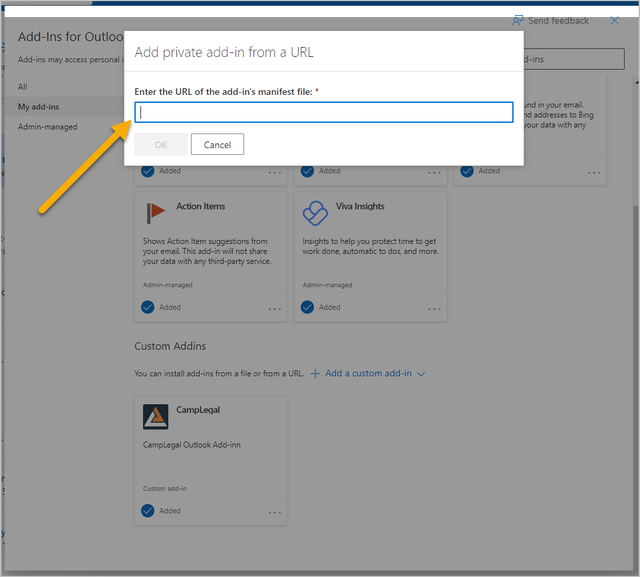
Pastethe URL on the blank space
-
Now, your Outlook Add-In is ready to use! Just go to a random email and Select the Camplegal Add-In to open it 🎉
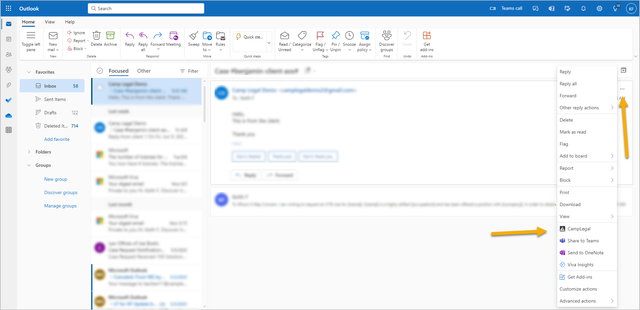
Tip: Make sure to pin your Outlook Add-In so it will open automatically every time!