Are you getting this message when creating a contact?
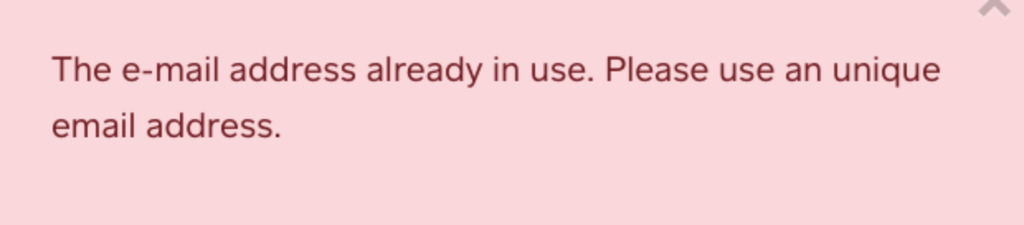

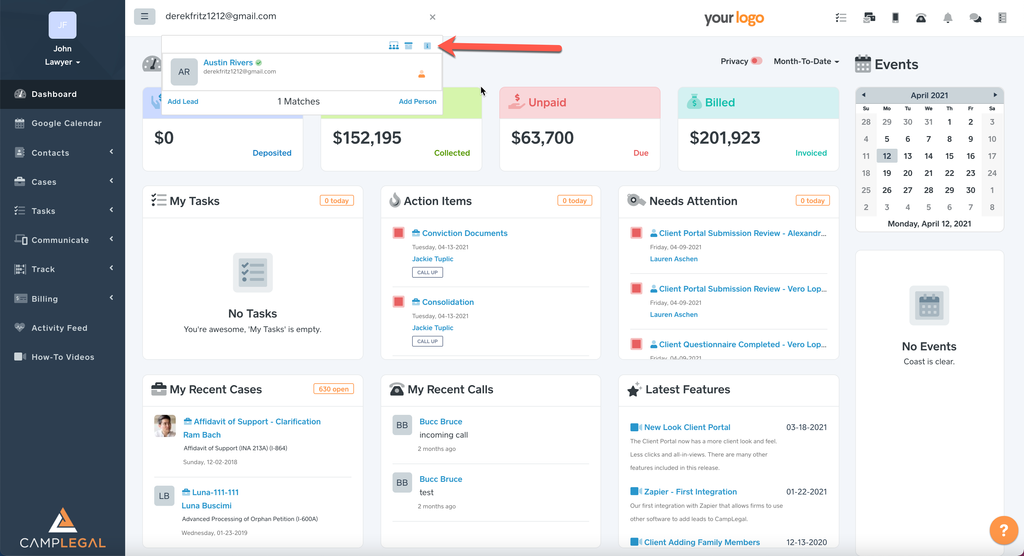
This error message appears when someone is creating a lead/contact and is inputting an e-mail that is already being used in CampLegal. If you want to find who that e-mail is associated with, type the e-mail in the “Search box†and it will populate the client/lead.
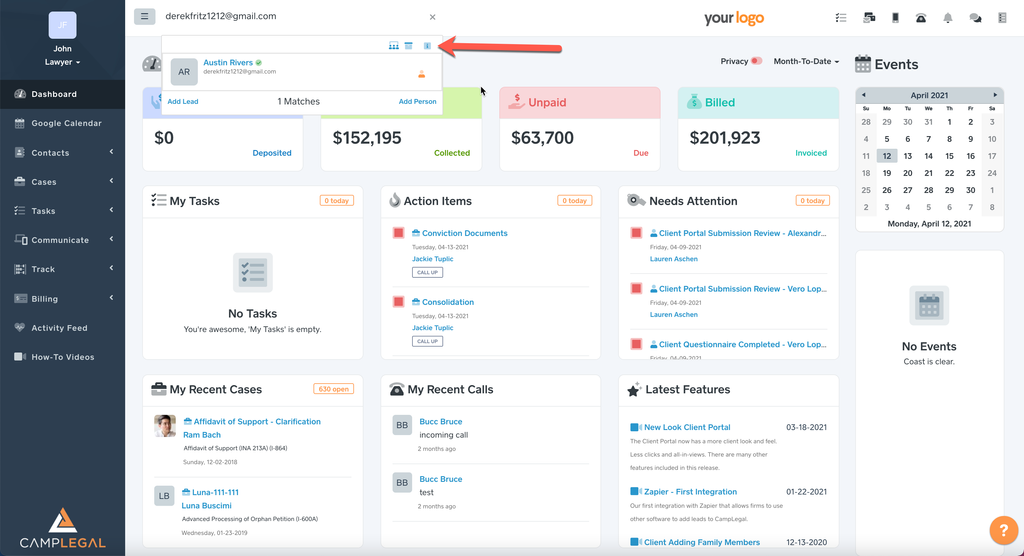

If nothing populates, make sure all
3 icons are blue. This will ensure that CampLegal is populating
Active, Archived, Clients, Leads, Prospects, Family, and Dependents.