
You can add invoices and payments stored in Camplegal to your new QuickBooks account following these steps.
 Create invoices and add Payments to QB
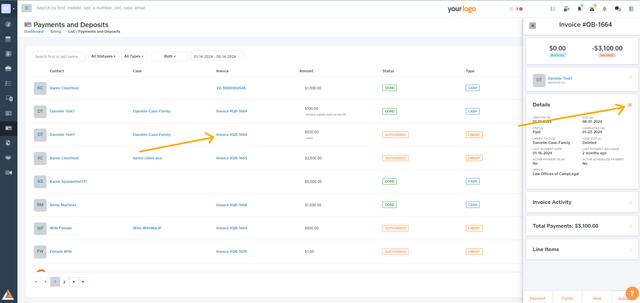
Click on the blue link for the invoice and select Edit
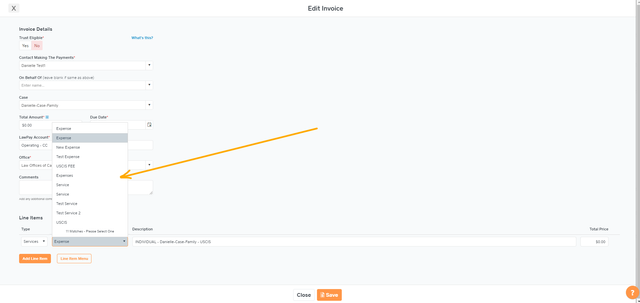
Select your QuickBooks Item and Save
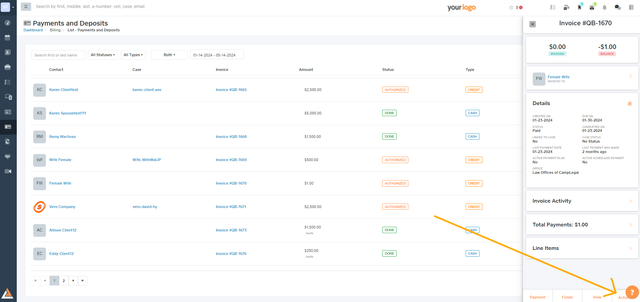
Click on Actions and Select create in QuickBooks.
Click on the ellipsis icon and select “Link payment to QuickBooksâ€

If the payment is already created, the Link payment to QuickBooks option will not appear.
