
 Problem
Users are experiencing a "500 Error" when trying to open certain forms within the system. This issue specifically occurs when a case participant has multiple
spouses listed in their contact profile. Other forms assigned to the same contact function without errors.
​
 Solution
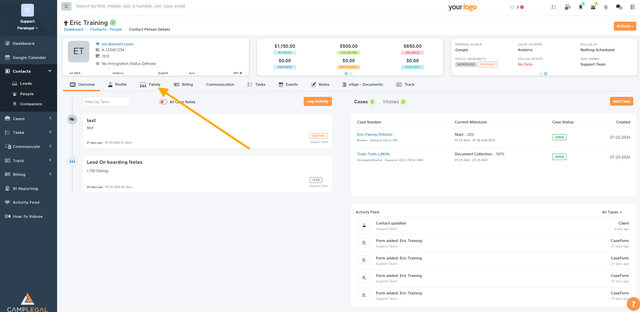
Go to your client’s profile
Select the Family tab within their profile
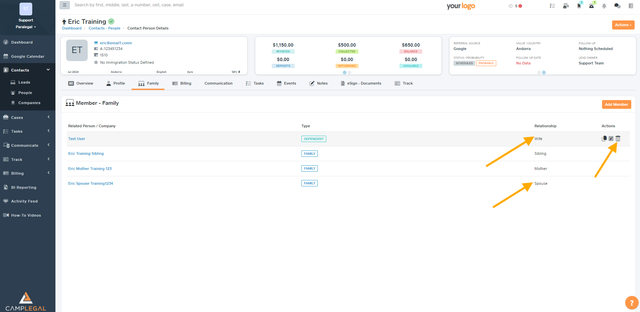
Remove the duplicate/extra spouse.
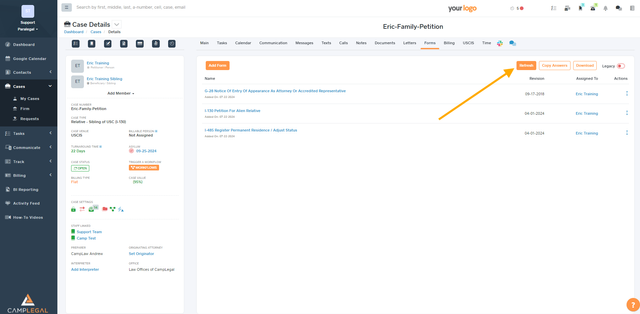
Go to the case and refresh the forms.

You might want to delete the extra spouse if it’s a duplicated contact.
