
Change the data in one place and expect it to be updated everywhere. It’s an intelligent sync algorithm that syncs between PDF forms and profile in both directions.

How-to-use
Verify Bi-Directional is ENABLED
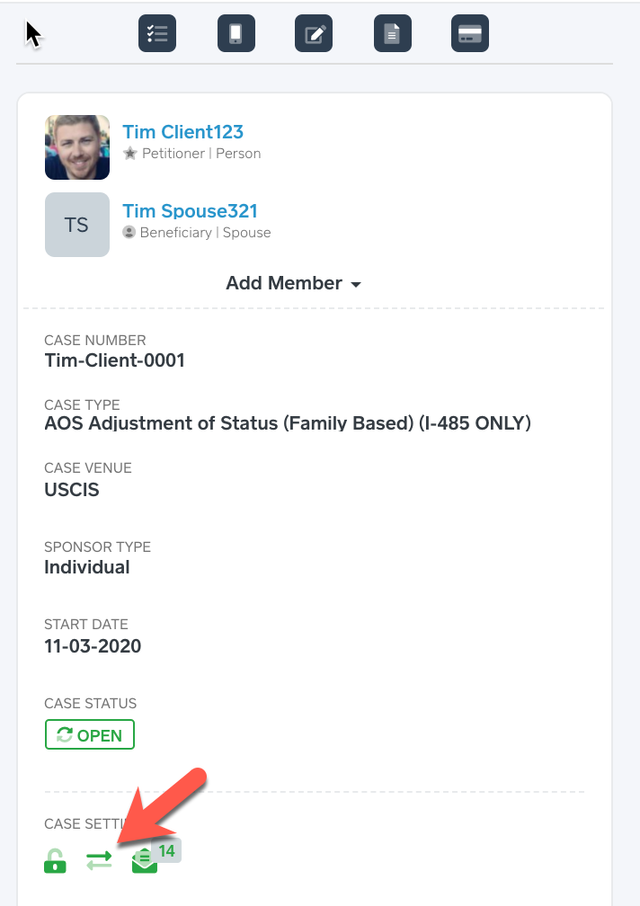
This feature only updates the following sections, it does not add new records from the PDF forms. Please add the data in these sections in the Client’s Profile then the data can be updated from the PDF forms.
Previous Addresses
Employment History
Education History
Marriage History
U.S. Entries
Passports
Contrary to the above Number 2, a user can add new data from the PDF Forms from the below Client’s Profile General Information section (Basic, Detailed, Current Addresses and Biographic):
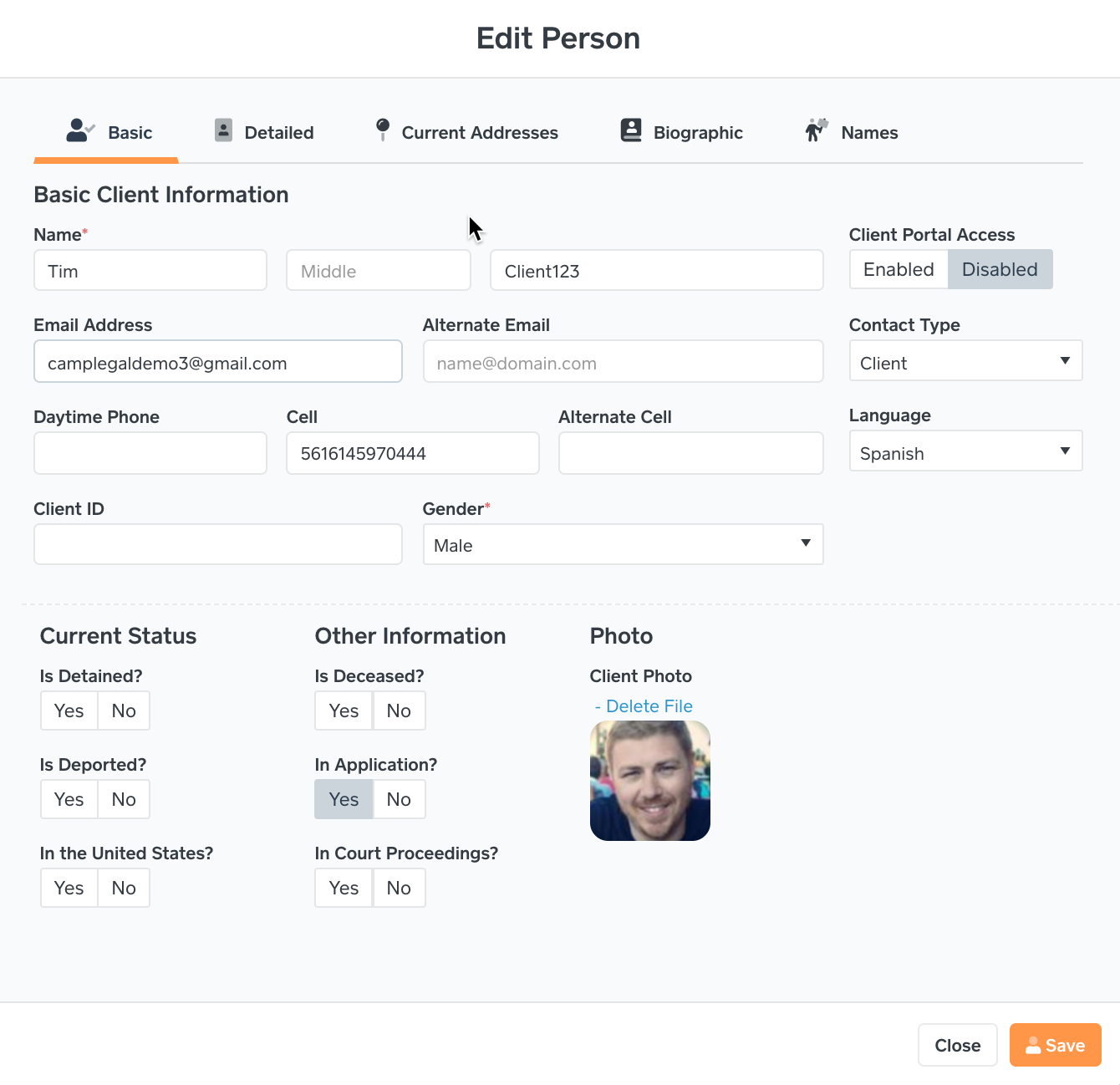
Every time the user saves data within the profile, the data will be updated to the PDF forms as well.
Every time the user saves the PDF forms the data will be updated in the Client’s Profile and all PDF forms in all open cases.
 Important Example to Note: If Bi-Directional is ENABLED and the I-485 form is being saved with Physical Address 2 data, if the Client’s Profile does not any Previous Addresses then the I-485 form Physical Address 2 will be blanked because the system cannot add records from PDF forms. The reason is noted in Number 2, you must add the data in Previous Addresses, Employment History, Education History, Marriage History, U.S. Entries and Passports.