
How to add or delete a Beneficiary to an existing case? After the case is created, the Beneficiary can be modified in the Members tab.

The Members tab is the place to add-edit-view-delete the Beneficiary, Joint Sponsors and Derivatives/Dependents.
Instructions
Go to an existing case.
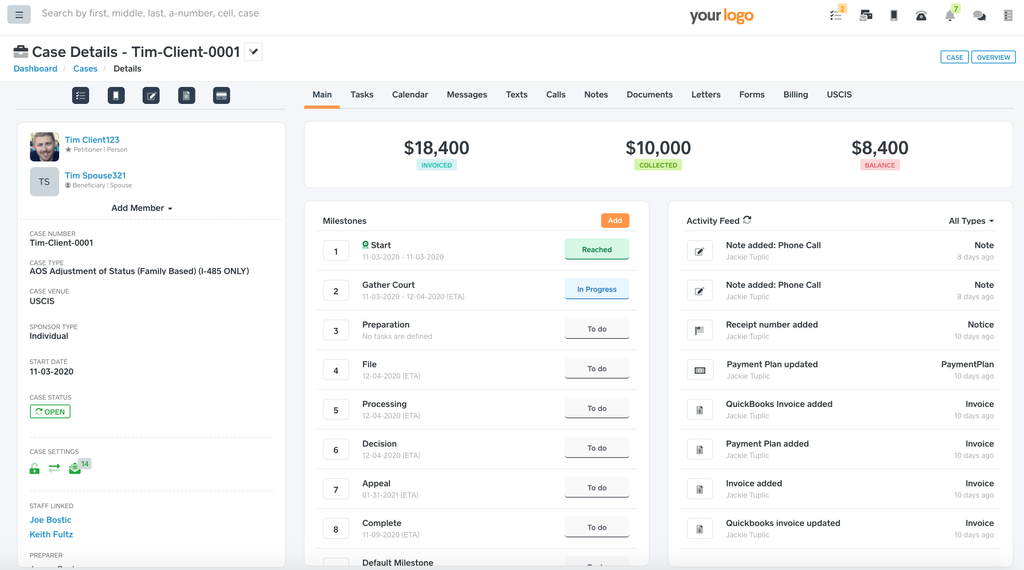
Click the Members tab.
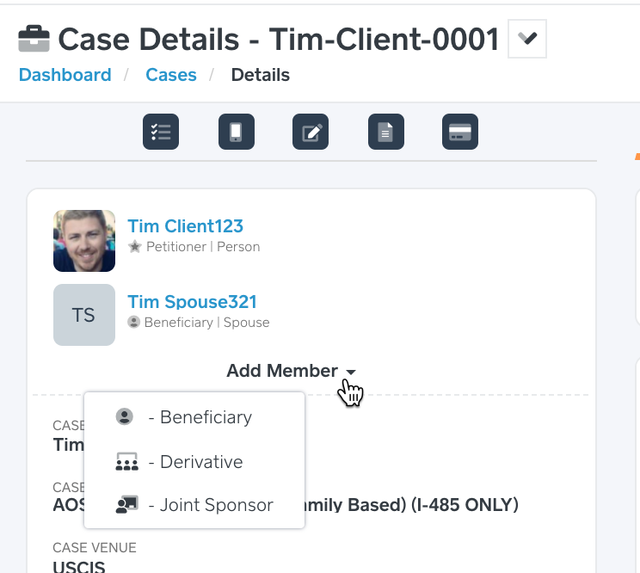
Click the + Member button → Beneficiary.
Input the Beneficiary Contact - the person that needs a sponsor.
Click Save.
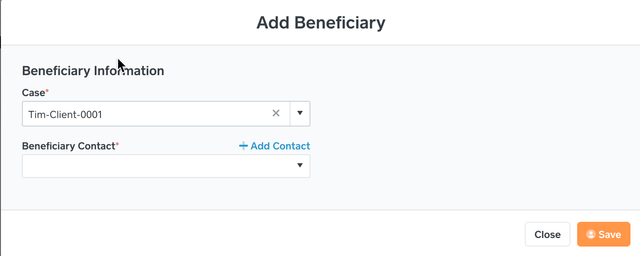
 Add Contact - If the Beneficiary does not already exist as a contact then click this to quickly add a new contact to the system. The system will come back to the above screen with the Case and Beneficiary Contact pre-selected.