
How to add or delete a Derivative to an existing case? After the case is created, the a Family Member, who is a Derivative, can be modified in the Members tab.

The Members tab is the place to add-edit-view-delete the Beneficiary, Joint Sponsors and Derivatives/Dependents.
Instructions
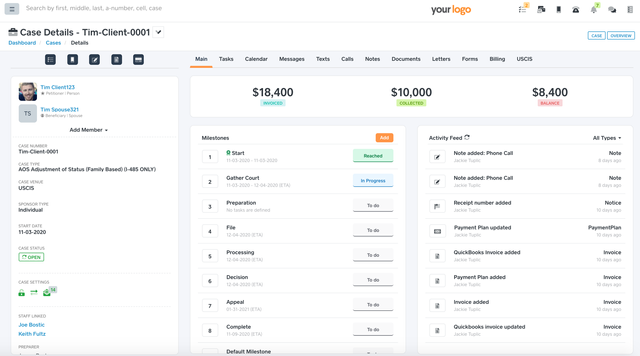
Go to an existing case.
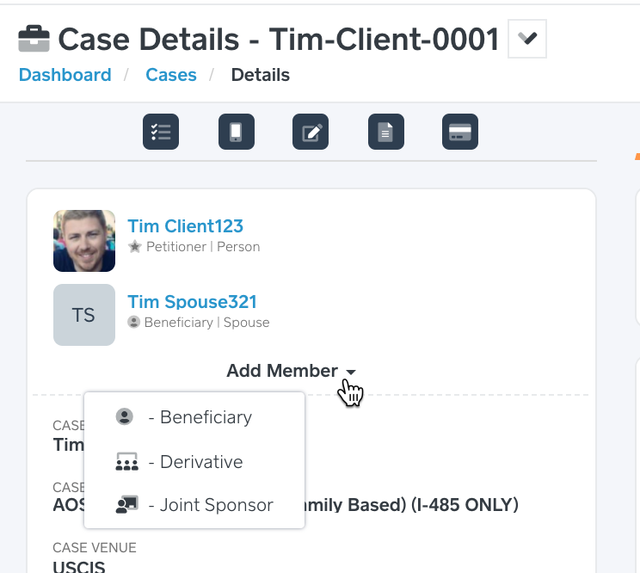
Click the Add Member dropdown.
Select Derivative.
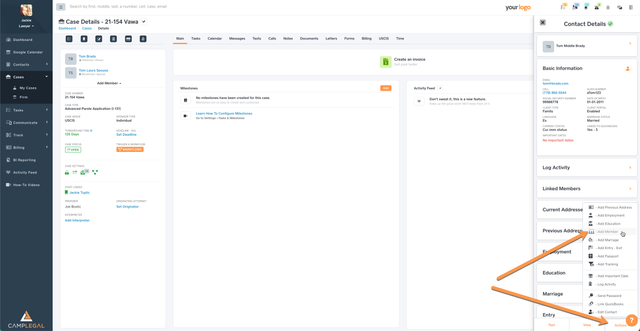
Input the Derivative of - the person that is the Derivative’s sponsor. Please note that the Derivative Of must be linked as a member to the Derivative. If the Derivative doesn’t already exist as a contact then click Add Contact. If the Derivative is already a contact yet you do not see him/her in the Derivative Contact dropdown, then you must link them together via “Add Memberâ€.
Input the Derivative - the person that is the Derivative.
Click Save.
